
After the Production: Mastering Color Correction
with Dylan Ludwig - Digital Origin Productions Inc.
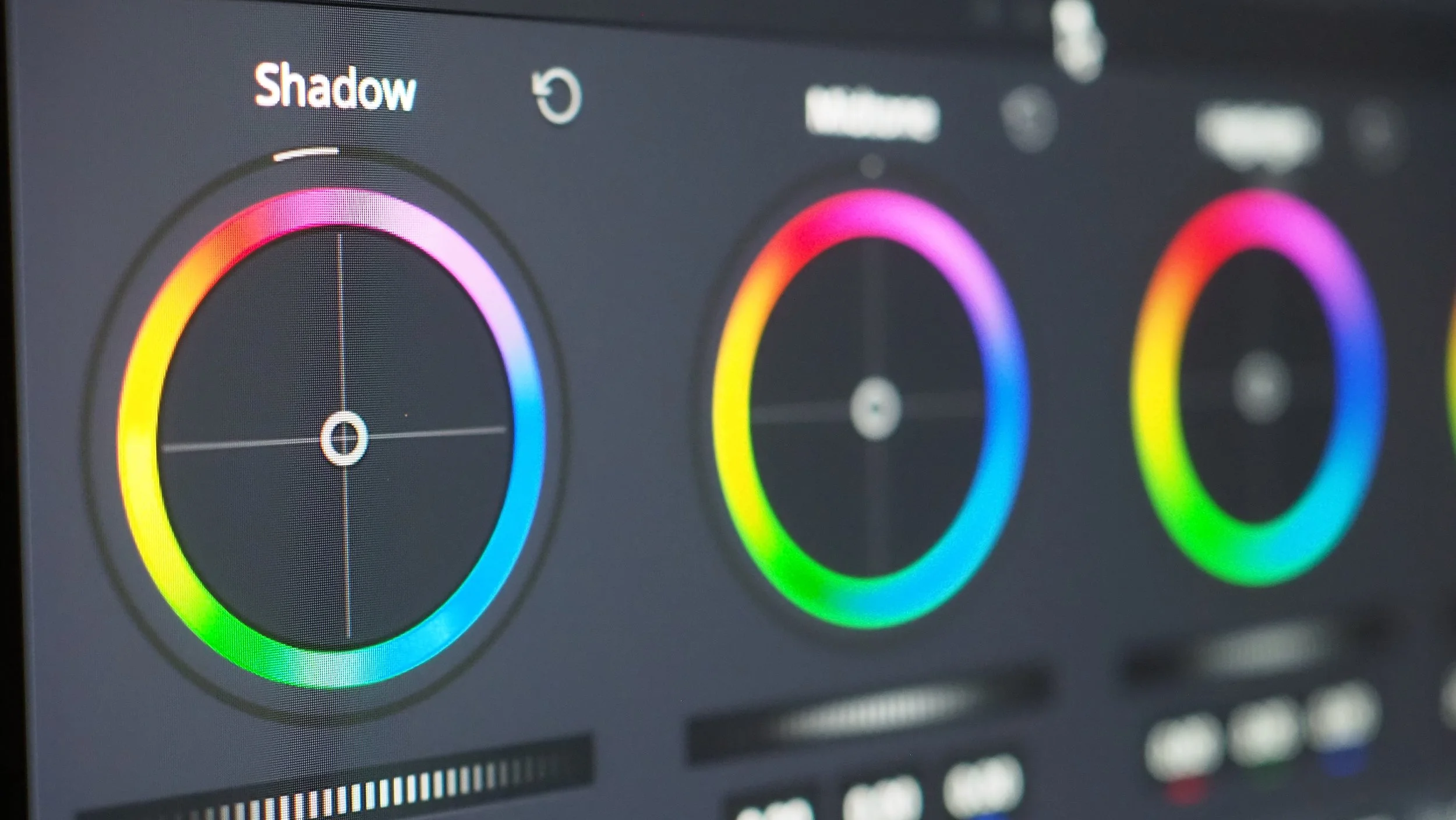
Every great video starts with great footage — but what happens after the camera stops rolling is just as important as what happens in front of the lens. Color correction is where raw footage becomes a finished visual story, and it's one of the most powerful (and most misunderstood) parts of the post-production process.
At Digital Origin Productions, we do all of our color work inside DaVinci Resolve — the industry standard for professional color grading — and for good reason. Here's a breakdown of what color correction actually is, why it matters, and how we approach it for every project.
At Digital Origin Productions, we understand that color correction is more than just a technical task; it’s a creative process that sets the mood and emotion of your video. If you're eager to take your footage to the next level, then you're in the right place. Our team specializes in enhancing your video with a dynamic range of colors that captivate viewers from the first frame to the last.
Color Correction vs. Color Grading: What's the Difference?
These two terms get used interchangeably, but they're actually two separate steps in the process.
Color correction is technical. It's about making the footage look accurate — fixing white balance, exposure, and contrast so that the image looks the way the human eye would naturally perceive the scene. Skin tones are neutral. Whites are white. Shadows aren't crushed.
Color grading is creative. Once the image is balanced, grading is where you define the mood and look of the piece — warmer tones for a nostalgic feel, cooler desaturated tones for a corporate or cinematic edge, rich contrast for a high-end commercial aesthetic.
Both happen in DaVinci Resolve's Color page, and both matter. Skipping correction and jumping straight to grading is one of the most common mistakes in video post-production.
Why We Use DaVinci Resolve.
DaVinci Resolve started as a dedicated color grading suite used in Hollywood feature films. Resolve has grown into a full non-linear editing platform, but its color tools remain unmatched. A few reasons we rely on it:
Node-based color pipeline — Unlike layer-based tools, Resolve uses a node tree that gives you precise control at every stage of the correction and grading process without destructive edits.
Scopes built in — Waveform, vectorscope, parade, histogram — they're all live and accurate, which means we're not guessing; we're measuring.
PowerGrade and stills — We can save looks and apply them consistently across a project, which is critical for multi-camera shoots and branded content series.
Industry standard — From independent productions to major broadcast work, Resolve is what professionals use. That matters when we're collaborating with editors, DPs, and agencies.
Our Color Correction Workflow
Here's a simplified version of how we approach color on a typical project:
1. Exposure Balance Before anything else, we bring the image into the proper exposure range using the Lift/Gamma/Gain controls or the Primaries wheels. We use the waveform monitor to ensure highlights aren't clipped and shadows retain detail.
2. White Balance Correction We use the Color Wheels and the vectorscope to neutralize any color casts introduced by mixed lighting or incorrect camera settings on set. This is especially critical for talking-head interviews and product work, where skin tone accuracy is non-negotiable.
3. Contrast and Tone Shaping Using the curves tool, we shape the tonal range of the image — adding contrast where needed without losing information in the highlights or shadows.
4. Secondary Corrections This is where we isolate specific elements — a sky that needs pulling down, a skin tone that needs warming, a product color that needs to match a brand standard. Resolve's Qualifier tool and Power Windows make targeted corrections possible without affecting the rest of the frame.
5. Look Development (Grading) With the image corrected, we build out the creative look. Depending on the project, this might mean adding a subtle LUT, refining saturation through HSL curves, or pushing the image in a specific direction to match the brand's visual identity.
Why This Matters for Your Video Content
If your videos look flat, inconsistent, or off in ways you can't quite explain, color is usually a contributing factor. A professionally color-corrected and graded video:
Looks more polished and credible on every screen
Maintains visual consistency across a content series
Reinforces your brand's tone and aesthetic
Makes a stronger impression in the first few seconds — which is all you get
Color isn't a finishing touch. It's a core part of how your audience experiences your content.
Working with Digital Origin Productions
Our post-production process — including color work in DaVinci Resolve — is built into every video project we take on. Whether it's a brand video, event recap, social content series, or something more complex, we treat the color pipeline as essential, not optional.
If you're interested in leveling up your video content, reach out to us here and let's talk about what's possible.
---
Are you a content creator or a video editing enthusiast who wants to learn more about the intricacies of color correction? Stay tuned to our blog. We share tips, tricks, and insights that will help you master this crucial post-production skill.
Digital Origin Productions is a full-service creative production company based in the Chicagoland area, specializing in video production, animation, photography, live streaming, and social media content.
“Color is the place where our brain and the universe meet.”